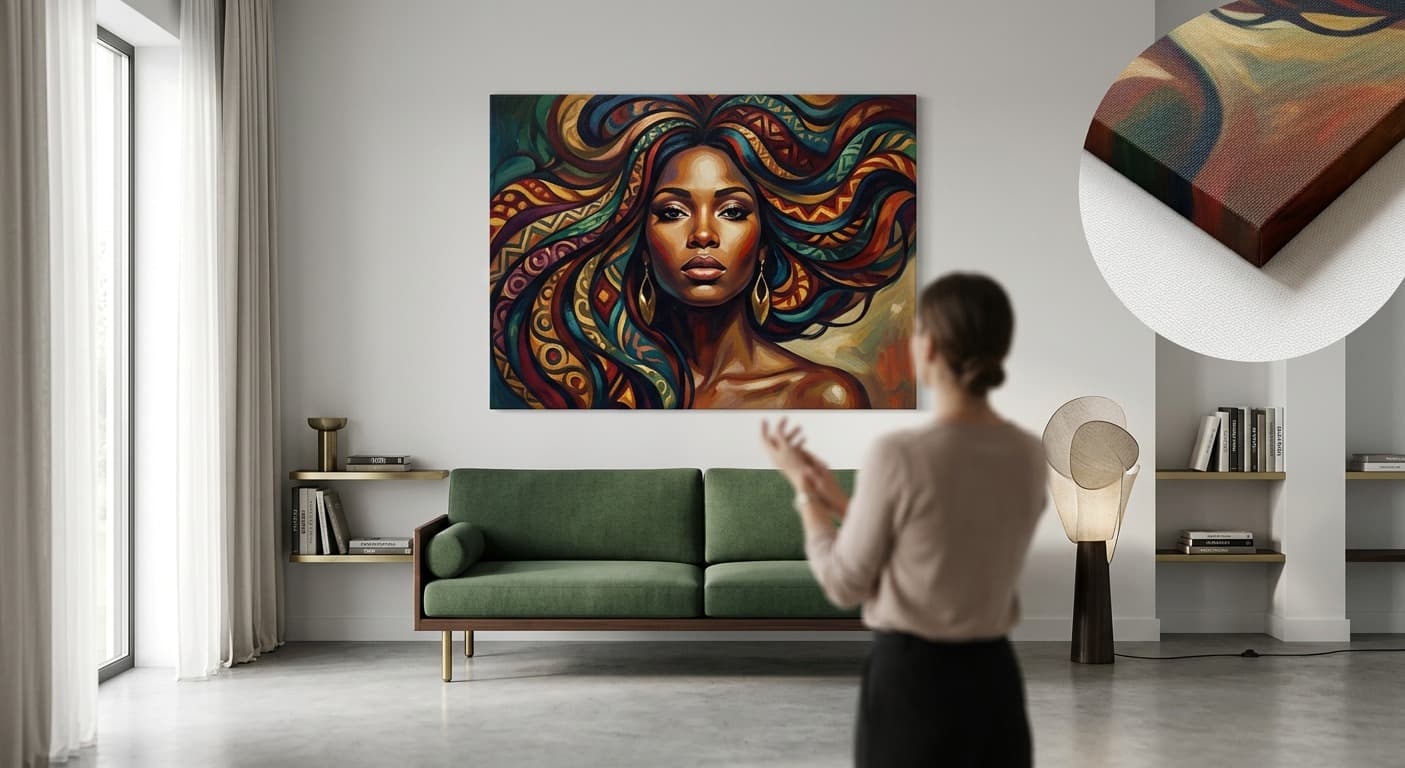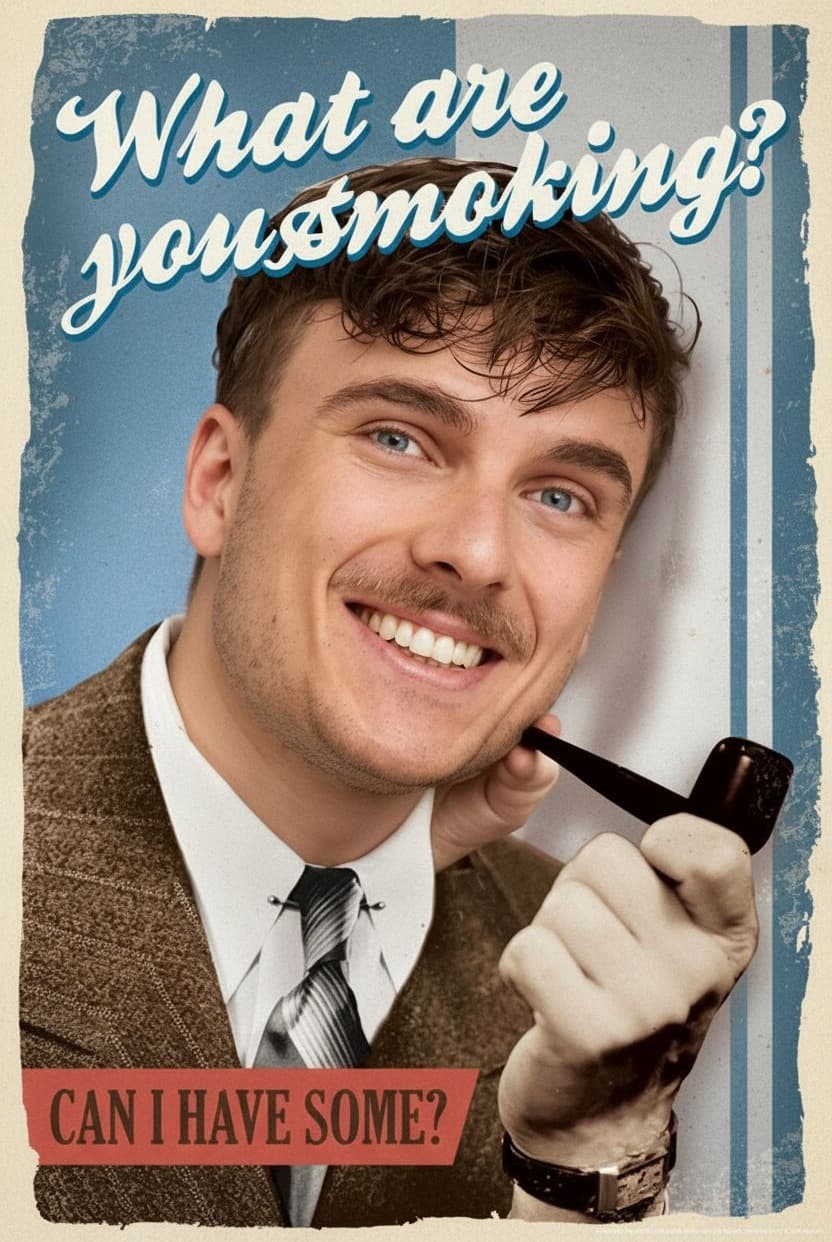
Let's be honest about AI: it isn't always perfect
You'll have seen the funny examples for sure: AI images with six fingers, eyes that don't quite line up, or faces with a slightly "uncanny valley" look. It's easy to laugh about — but when it comes to your own portrait, you want it done right. At MakeMeFamous we get that, which is why we're upfront: AI isn't infallible. But we do everything we can to get as close to perfect as possible.
Where it can go wrong
The most common difficulty is the transition between the face and the template. If the light in your photo is very different from the light in the artwork, the blend can look unnatural. Low-resolution photos are tricky too: the AI simply doesn't have enough information to work with.
The angle of the face matters as well. A profile shot or one taken from above at an angle works less well than a straight-on photo. And glasses, hats or hair covering the face make it harder for the AI to deliver a clean result.
How we tackle it
We don't use a single AI model, but a whole pipeline of models working together. The first model locates the face, the second matches colour and lighting, a third checks the quality. Read more about that process in our behind-the-scenes article.
On top of that we use AI upscaling, which can turn even a mediocre photo into a sharp final result. It's not a magic wand — you can't get a 60x90 canvas out of a blurry thumbnail — but the difference is remarkable.
What you can do for the best result
The truth is that your photo makes the biggest difference. A sharp photo with good light, in which the face looks straight into the camera, almost always gives a good result. Avoid sunglasses or hats, and preferably pick a photo with a neutral background.
You'll find more photo tips on our FAQ page, or read the specific pointers in our articles on pet portraits and cat portraits.
Not happy? We'll help you out
Sometimes it doesn't work on the first try. That's completely fine. You can always regenerate with a different photo or a different template. And if you really can't get there, our team is ready to help. We want you to be happy with the result — otherwise there's no point.
Try it yourself: create your portrait. And if you're in two minds, take a look at our examples first to see what's possible.